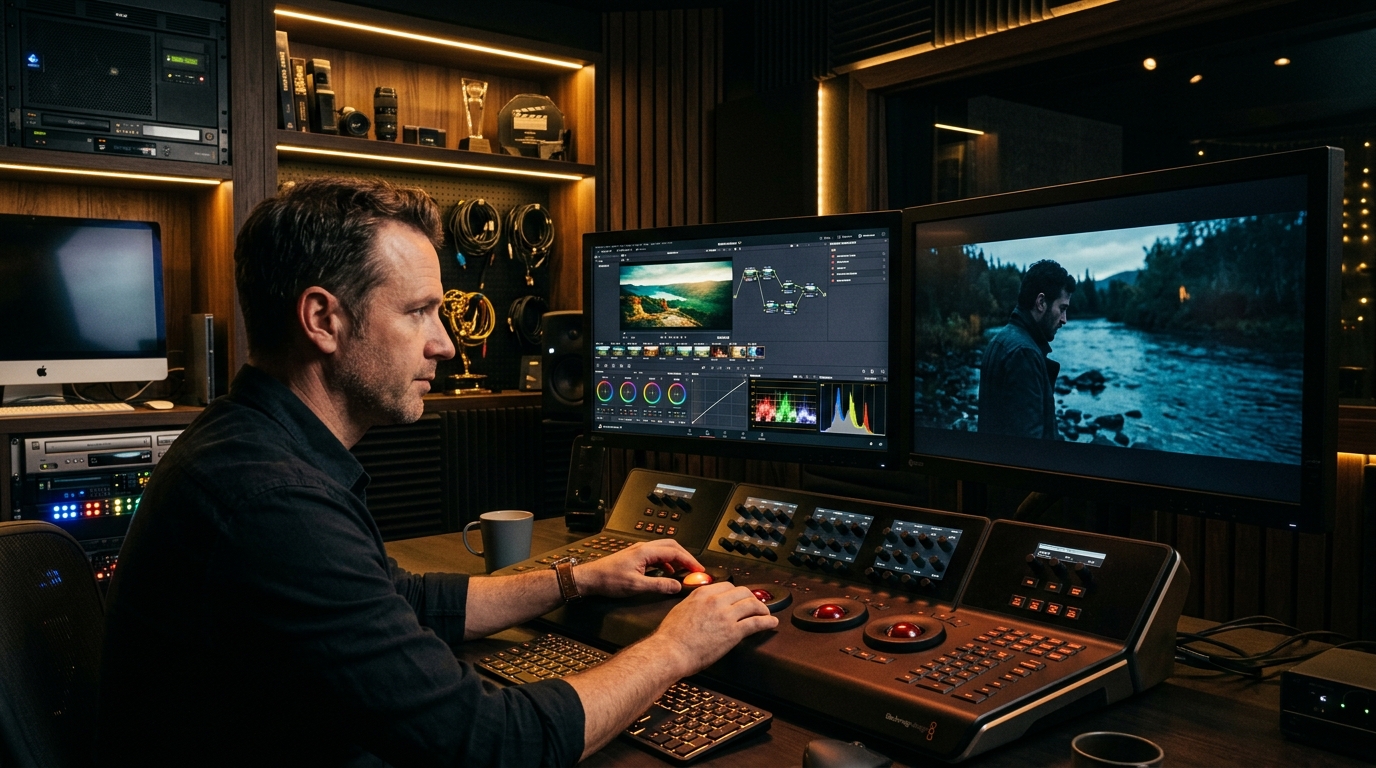
DaVinci Resolve 19 & 20 Color Management: RCM vs ACES vs CST (2026 Workflow Guide)
In 2026, professional color grading requires working in a scene-referred wide color gamut (DaVinci Wide Gamut/Intermediate or ACEScc) rather than legacy display-referred Rec.709. The golden rule for creative 3D LUTs: Never apply a Rec.709 creative LUT directly to raw log footage without a Color Space Transform (CST), and never sandwich grades after a display conversion node where highlight data has already been clipped to 100 nits.
If your grades suffer from harsh skin tone banding, neon highlight clipping, or inconsistent contrast across mixed camera setups, your project color management is the root cause. In this 2026 masterclass, we break down the three industry-standard pipelines in DaVinci Resolve: DaVinci YRGB Color Managed (RCM), ACES (Academy Color Encoding System), and Manual Color Space Transform (CST) node trees.
Why Rec.709 Timeline Grading is Obsolete in 2026
For over a decade, beginners graded directly in a Rec.709 / Gamma 2.4 timeline. In that legacy workflow, camera sensors capturing 14 to 16 stops of dynamic range were immediately shoehorned into a tiny 6-stop container before adjustments even began. Highlights clipped instantly, shadow noise became unmanageable, and creative adjustments destroyed color fidelity.
Modern cinematography demands a scene-referred workflow where all footage is normalized into a massive mathematical color space that preserves all sensor data until the very final output node.
| Color Management Method | Working Gamut & Gamma | Best Use Case | Creative LUT Placement | Render Overhead |
|---|---|---|---|---|
| DaVinci YRGB Color Managed (RCM) | DaVinci Wide Gamut / Intermediate | Single or multi-camera commercial & YouTube edits | Post-normalized sandwich or LUT node in timeline | Ultra Low (GPU Native) |
| Manual CST Node Tree | Custom (DWG, Cineon, or LogC3) | Highest control; specialized Hollywood film emulation | Pre-Output CST (Inside working space or Cineon) | Minimal |
| ACES (ACEScc / ACEScct) | AP1 Gamut / ACEScc Log Gamma | VFX-heavy features, multi-vendor post pipelines | ACES-compliant LMT node or Rec.709 output bus | Moderate |
| Legacy DaVinci YRGB | Rec.709 / Gamma 2.4 | Quick graphics or legacy archive work only | Input / Clip level (Prone to clipping) | None |
The Professional 7-Node Fixed Tree Workflow
Regardless of whether you use RCM or manual CSTs, the fixed node tree is the gold standard for high-end colorists. By maintaining predictable node addresses, you can ripple grades across hundreds of shots in seconds without breaking shot matching:
- Node 1 - Exposure & Ratio: Primary adjustments using Offset and Exposure wheel. Never use Gain to fix overall under-exposure.
- Node 2 - White Balance & Tint: Chromatic adaptation using the Temp/Tint controls or the Color Space Transform chromatic adaptation tool.
- Node 3 - Contrast & Pivot: Shape tonal response while maintaining mathematical middle gray (typically 0.336 in DWG Intermediate).
- Node 4 - Secondaries & Skin Tones: Targeted HSL curves, hue vs hue, and hue vs saturation to ensure skin tones lie accurately along the vectorscope skin tone indicator line.
- Node 5 - Creative 3D LUT / Look: Apply your signature look from the LUTsMaster Cinematic Essentials Collection. Reduce key output gain to 60-80% for subtle, organic integration.
- Node 6 - Film Grain & Texture: Subtle 35mm optical grain or print grain applied before output conversion.
- Node 7 - Output Color Space Transform (CST): Transforms from DaVinci Wide Gamut to Output Color Space (Rec.709 / Gamma 2.4 for Web & Broadcast).
Scale Your Colorist Business with SmartSellsHub
Learn how top commercial editors package custom color grades into high-ticket digital products and automate storefront sales with SmartSellsHub.
Handling Mixed Camera Formats in One Timeline
When cutting a Sony FX3 alongside an ARRI Alexa Mini LF and a DJI Inspire 3 drone, legacy color grading requires dozens of hours of manual tweaking. In DaVinci Wide Gamut, every clip's sensor data is normalized into an identical color volume. Matching an S-Log3 clip to an ARRI LogC3 shot is reduced to matching the exposure offset and white balance.
For instant access to color-managed looks calibrated for all major cinema sensors, explore the curated Vintage Film Look Collection and LUTsMaster Pro Suites.
Frequently Asked Questions
Should I apply my creative LUT before or after the Color Space Transform (CST)?
What is the difference between ACEScc and ACEScct in DaVinci Resolve?
Why does DaVinci Wide Gamut look washed out until the final node?
Is DaVinci Resolve Color Management (RCM) better than using manual CST nodes?
Comments (0)
Leave a Reply
Join the Discussion
You must have an account with us before you can leave a comment.
